
Create Photorealistic Renderings with AI.
Learn the complete visualization workflow to transform sketches, floor plans, and base renderings into client-ready visuals using today's best AI image models.
From design concept to final presentation with AI.
★★★★★ 5.0 on Google · 8,500+ designers trained · Trusted by NCIDQ · ASID · IDCEC
WHO'S INSIDE
Who is the Visualizations Course for?
Whether you're completely new to AI image generation or you've experimented and never found a practical way to use it, this course will teach you how to create stunning, professional-quality visualizations that elevate your work and help you close more projects.
✓
Interior Designers & Decorators
Create stronger concepts, photorealistic renderings, and branded client presentations that communicate your ideas with confidence.
✓
Home Stagers & Real Estate Professionals
Visualize furnished spaces, test furniture layouts and finishes, market listings, and bring vacant properties to life with compelling imagery.
✓
Architects & Design-Build Professionals
Transform floor plans, sketches, CAD drawings, and 3D models into presentation-ready visuals that help clients understand the finished space.
✓
Design Firms & Creative Teams
Explore more design options, iterate faster, streamline client approvals, and create consistent, high-quality visualizations across your entire team.
13 video lessons · Detailed prompt guides & action steps for every lesson · one payment of $247
LESS TIME RENDERING. MORE TIME DESIGNING.
Why designers are using AI for renderings
Just a year ago, AI image generators could create interesting pictures.Today, they can support nearly every stage of your visualization workflow.
Explore Better Design Concepts
Test design directions, and iterate on layouts, materials, furnishings, and styles in minutes before investing hours into design development.
Create Stunning Photorealistic Renderings
Transform sketches, floor plans, photos, and base models into realistic interior and exterior renderings.
Deliver More Impactful Client Presentations
Create alternate design options and animate your renderings with cinematic fly-throughs and day-to-night transitions.
INTRODUCING
The AI for Design Visualizations Course
Everything you need to build an AI-first rendering workflow.
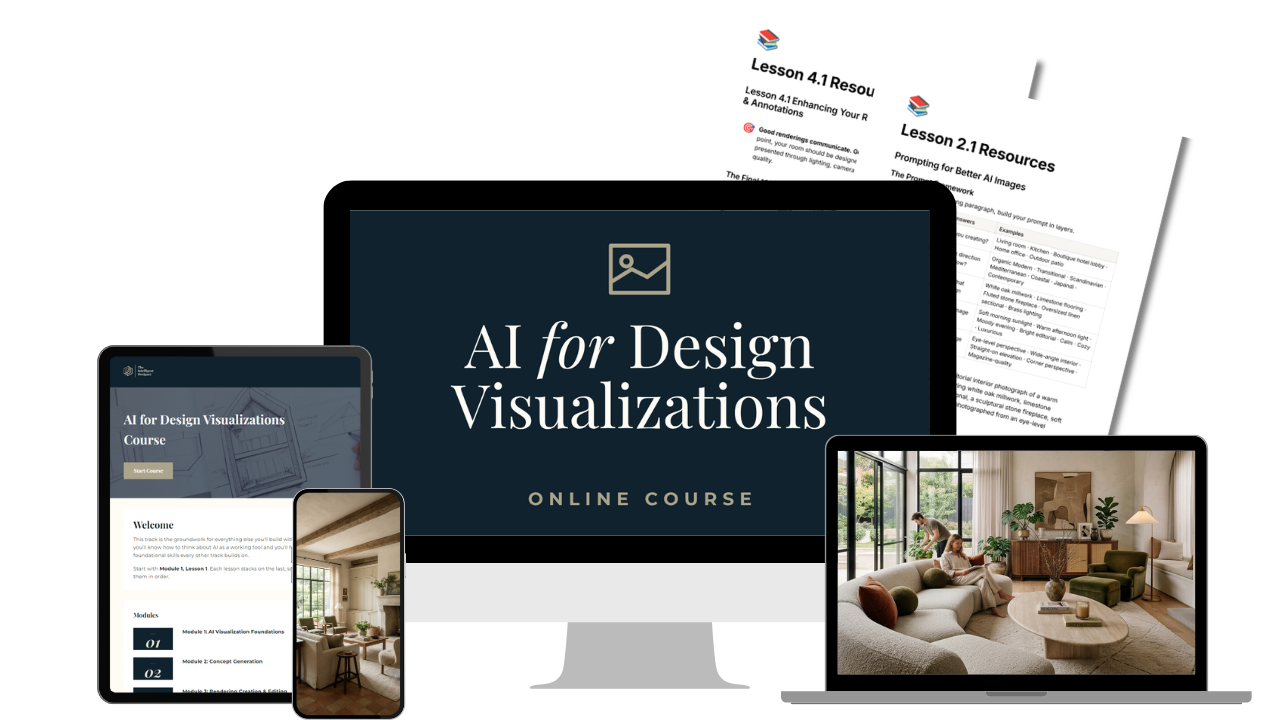
What's Included
When you join, you get instant access to:
✓ 13 short video lessons (5–25 min each — watch one on a coffee break)
✓ 13+ page learning guide with action steps, drag-and-drop prompts, and resources for every lesson
✓ Lifetime access — go at your own pace, revisit the lessons at any time
✓ 1:1 email support whenever you have questions
✓ Certificate of Completion to share with your employer or on LinkedIn
THE PROOF
This is what you'll create.
You'll build a complete visualization workflow starting with a base image (floorplan, photograph, sketch or base model) and use AI to produce client-ready renderings and animations.
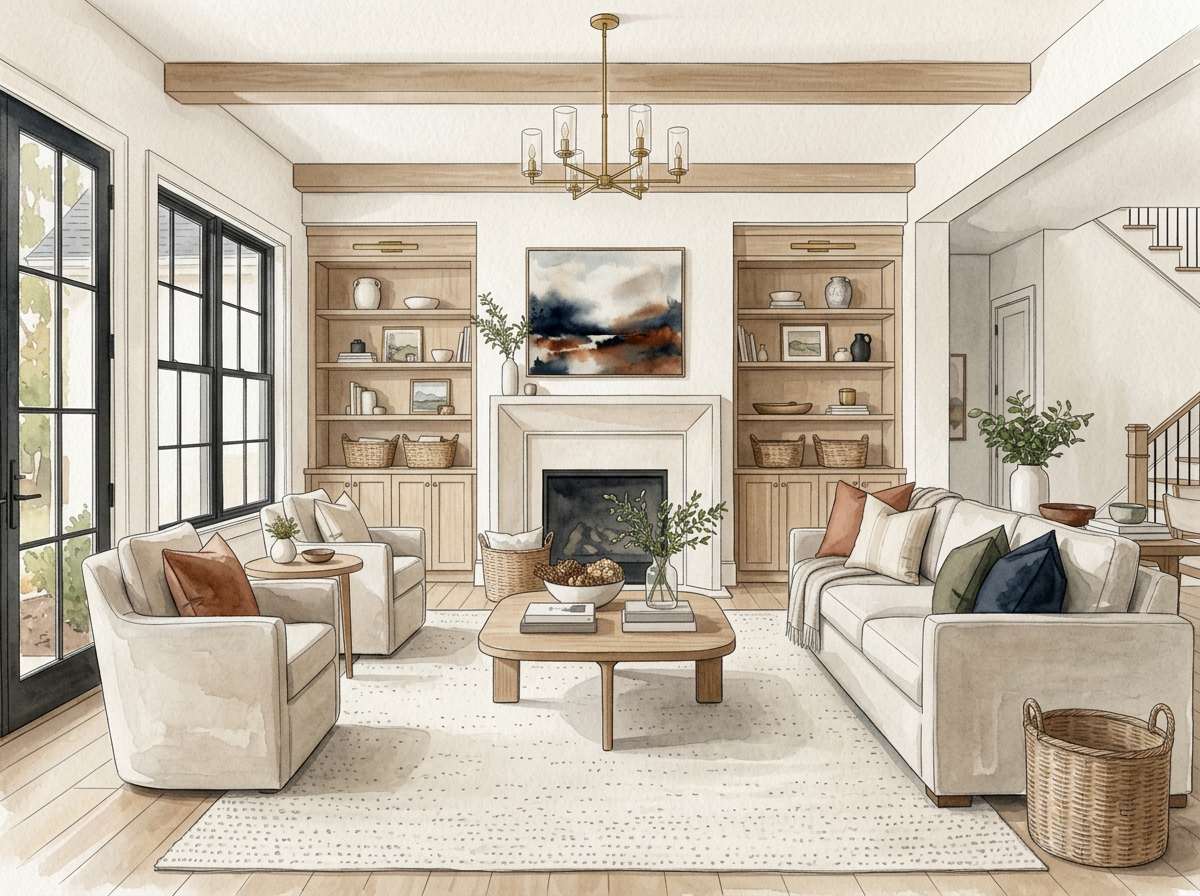
Concept Imagery
Explore dozens of design directions in minutes before investing hours into development.
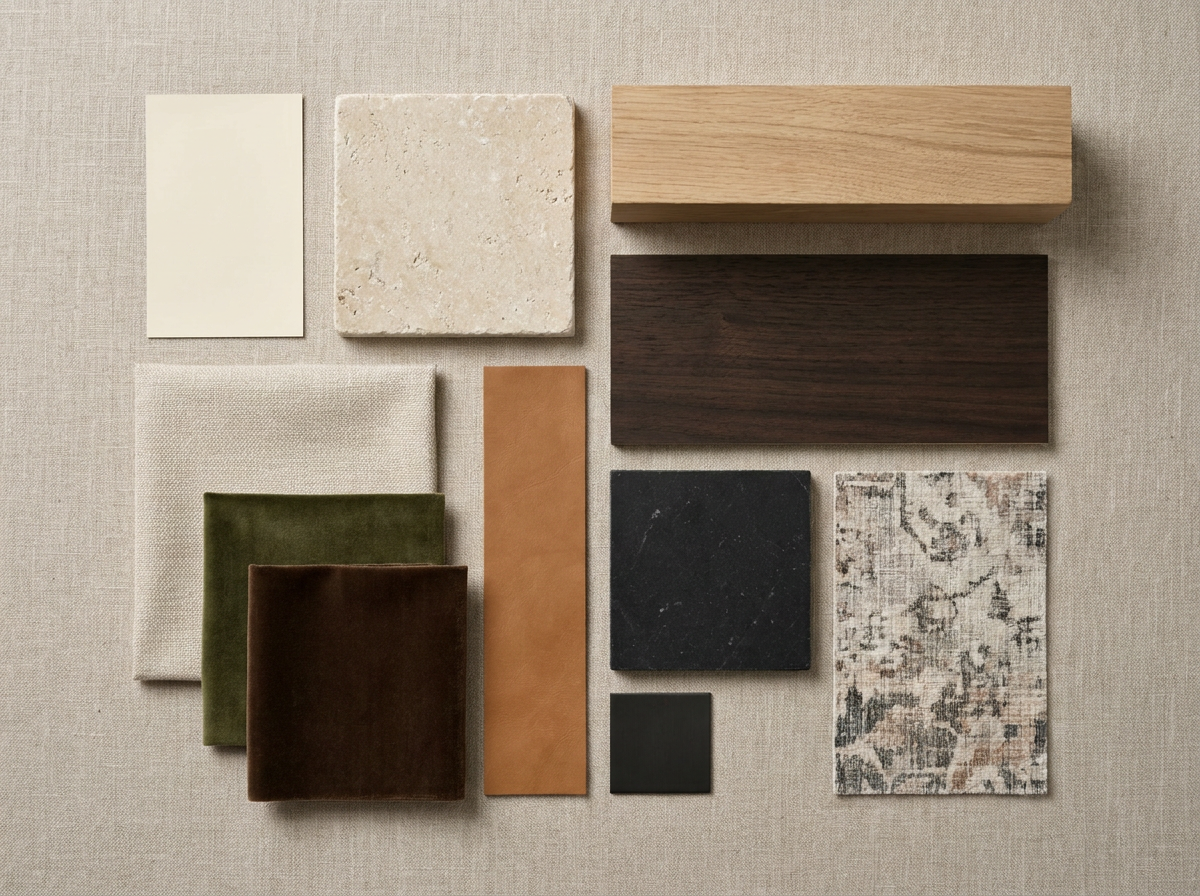
Design Development
Swap furniture, finishes, lighting, landscaping, artwork and styling without starting over.
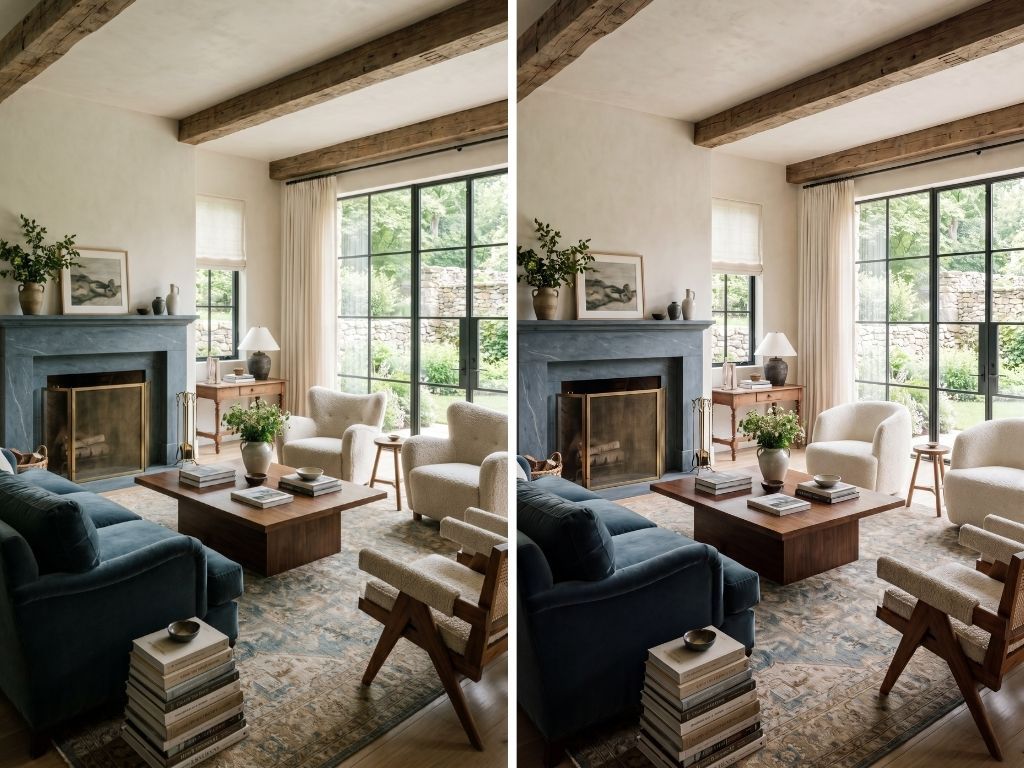
Alternative Design Options
Generate multiple layouts, palettes and material combinations to help clients make decisions faster.
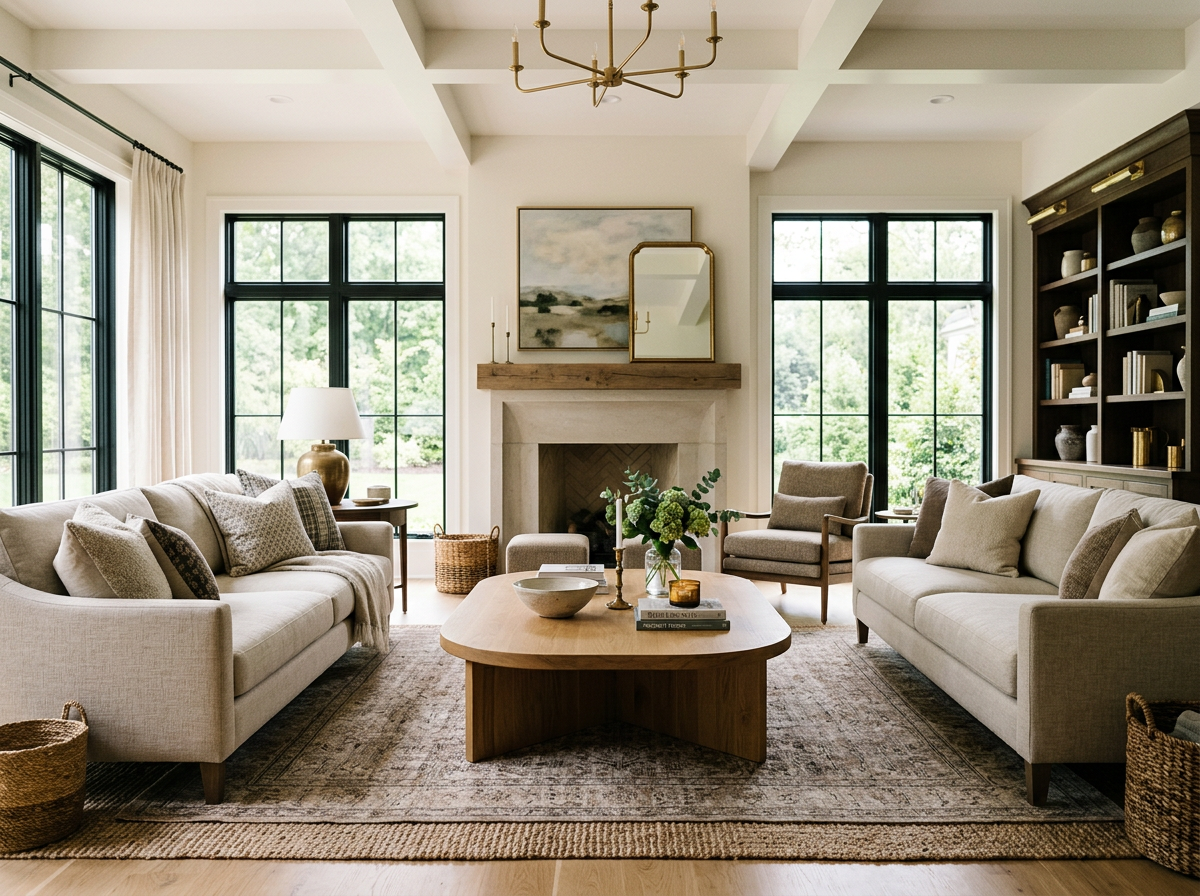
Photorealistic Renderings
Transform sketches, floor plans and SketchUp perspectives into stunning visuals.
WHAT YOU'LL LEARN
The Curriculum
From understanding how AI image generators work to creating photorealistic renderings, you'll learn every step of the workflow to create professional visualizations with today's most capable AI tools.
Module 1: AI Visualization Foundations
Build the foundation for everything that follows. Learn how AI image generators work, where they excel (and where they don't), and the tools every modern visualization workflow relies on.
Lessons
- Welcome & Course Navigation
- Understanding How AI Image Generators Work
- The AI Visualization Toolkit
Module 2: Concept Generation
Learn how to create compelling concepts before a single product is specified. Generate custom inspiration, explore multiple design directions, and discover how prompting can dramatically improve the quality of your images.
Lessons
- Prompting for Better AI Images
- Getting Started with Magnific
- Creating Design Concepts with AI
Module 3: Rendering Creation & Editing
This is where your ideas become photorealistic. You'll learn a complete node-based creative workflow inside Magnific Spaces to transform base images into stunning, presentation-ready renderings.
Lessons
- Building AI Renderings in Magnific Spaces
- Preparing the Source Image
- Adding Finishes, Furniture & Accessories
Module 4: Enhancement, Animation & Presentation
Take your renderings beyond still images. Refine lighting and composition, create cinematic animations, and package everything into polished client presentations.
Lessons
- Enhancing Your Renderings: Lighting, Views & Annotations
- Creating AI Animations from Renderings
- Building Client Presentations in Canva
Module 5: Implementation & Next Steps
Learn how to continue developing your AI visualization skills, stay current as image models evolve, and confidently integrate AI into your everyday design workflow.
Lesson
- Continuing Your AI Visualization Journey
FITS HOW YOU ALREADY WORK
Works alongside the software you already use.
Doesn't replace SketchUp or Revit.
It enhances it.eep modeling and drawing exactly as you do today, then use AI to enhance your renderings in a fraction of the time.
One subscription, not five
The course is taught inside Magnific, which allows you to access all of the best AI image and video models in one centralized platform built for creative professionals.
Built for non-techies
No technical experience required.No complicated software. Just step-by-step workflows created by an interior designer, for designers.
DON'T TAKE MY WORD FOR IT
★★★★★ 5.0 from designers already learning AI with me
★★★★★
"The best money I have ever spent for my business. Stacy is an amazing teacher and the course is concise, extremely well organized, and easy to follow with plenty of action items along the way."
— Erica Galles, via Google
★★★★★
"Stacy is phenomenal! She led a session at our commercial design event and a private training for our team — and it completely shifted how our designers think about AI."
— Chelsea McGowan, via Google
★★★★★
"Packed with great information and formatted in a clear, smooth, easy-to-follow format. Not overwhelming, and I love that you can revisit the course any time."
— Jodi Mason, Local Guide via Google
★★★★★
"Excellent training! It's fun and Stacy makes it easy to understand. I would highly recommend this course to any designer who wants to keep up."
— Kathy Selvidge Tonner, RID, via Google
FAQs
Frequently Asked Questions
I'm completely new to AI image generation. Can I still take this course?
Will AI replace SketchUp, Revit, AutoCAD, or my rendering software?
Can I use my own SketchUp renderings, floor plans, or photos?
Which AI platforms will I need?
Do I need rendering experience?
Can I create images using real furniture and finishes?
How long does the course take to complete?
Will this work for home staging, real estate, vacation rentals, or decorating projects?
What if AI changes after I purchase?
What's your refund policy?
JOIN TODAY
Build the visualization workflow your competitors will wish they had.
✓ Lifetime access · ✓ 1:1 email support · ✓ 14-day satisfaction guarantee · ✓ Certificate of Completion
HOW TO PURCHASE
One seat or seats for multiple designers
- Need seats for more than one designer? Set the quantity needed below — $247 each.
- Paste each designer's name and email in the field at checkout or email me. Each designer receives their own login.
BEST VALUE
Upgrade to the All-Access Hub
Get instant access to the full library of AI courses plus the private student community (2K+ designers inside) for $397/year. Buy this course today and your $247 is credited toward the membership, so you can upgrade now or later for just $150.